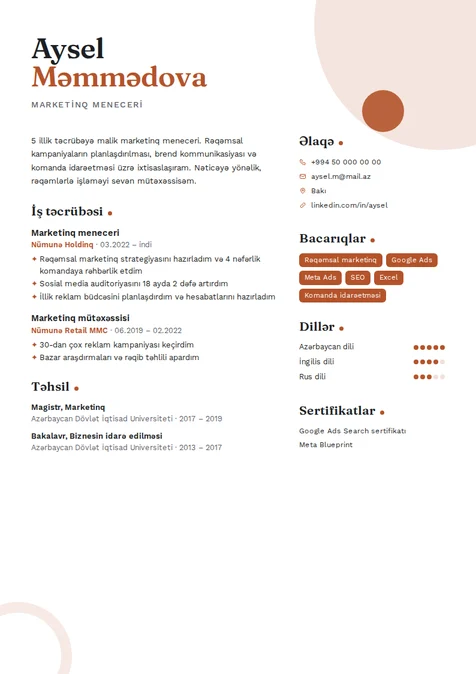
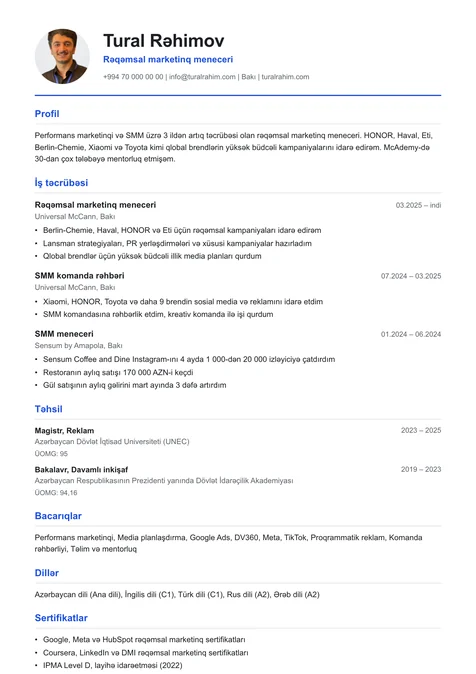
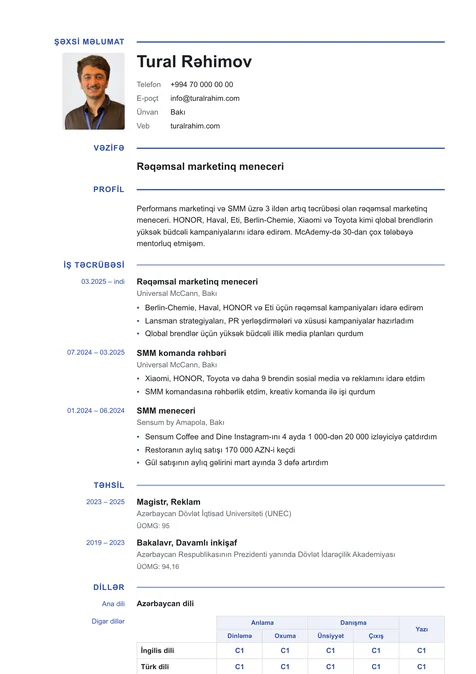
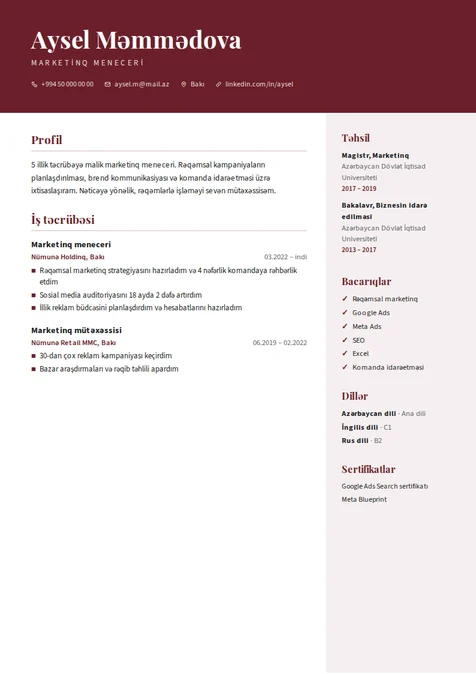
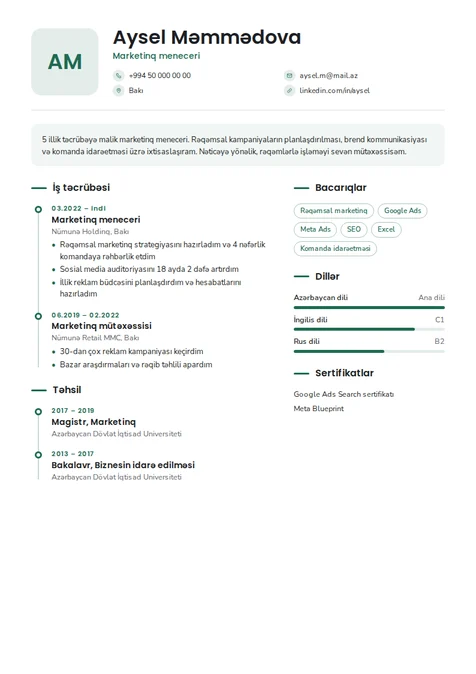
What the resume builder fills in
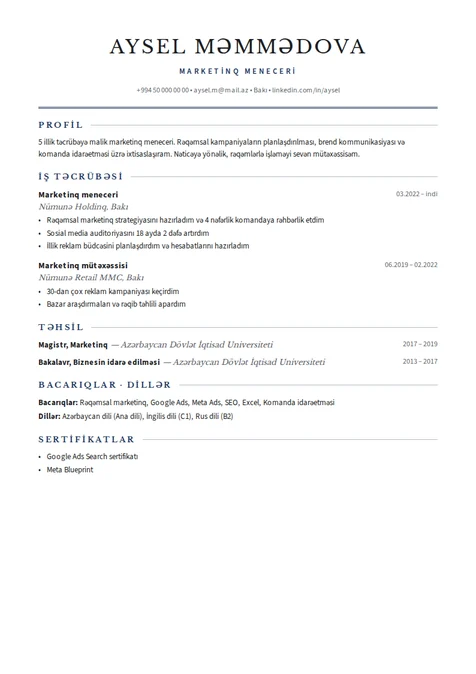
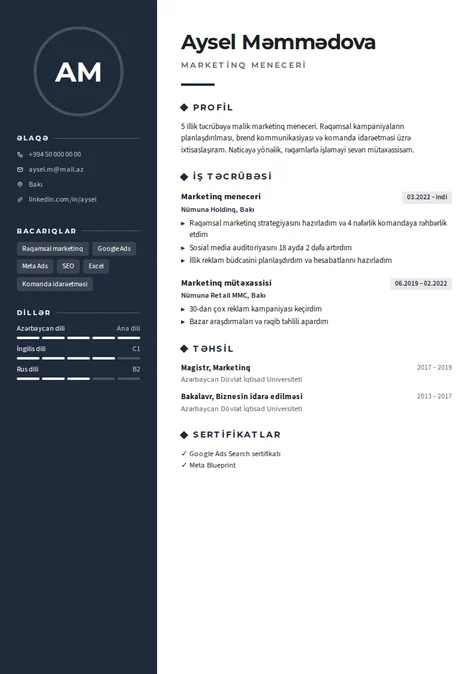
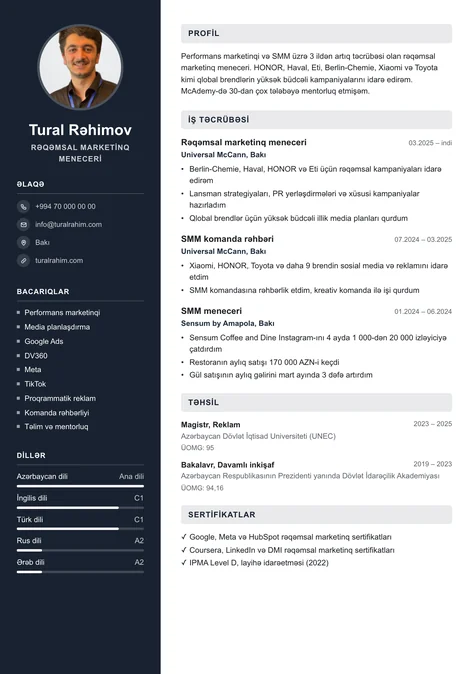
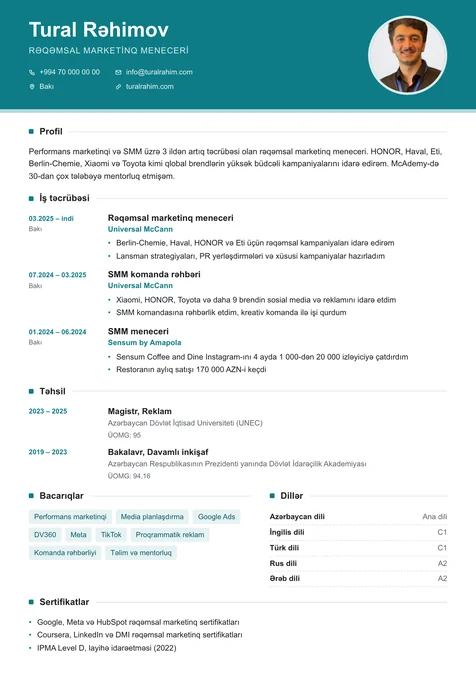
A recruiter gives a CV a few seconds at first, so the most important information goes at the top. The usual order is: contact details, a 2–3 sentence profile, work experience from newest to oldest with 3–4 result-focused bullets per job, then education, skills, languages and certificates. Write “grew monthly sales by 20%” instead of “responsible for sales”. One page suits most jobs, two if you have long experience.
ATS-friendly layouts and PDF text
Many companies screen applications with an applicant tracking system (ATS) that pulls the text out of your PDF. Columns, tables and text set as images can come out scrambled. The ATS-friendly filter in the gallery shows single-column templates whose PDF text reads back whole: Classic, Minimal, Academic, Tech, Clear and Executive. Use standard headings and reuse keywords from the job posting; paste the job text in the editor and AI tailors your profile and skill order, and lists the keywords you are missing. Check your CV.
Create your resume in English, Russian or Azerbaijani
Enter your details once and get the same CV in three languages. AI adapts job titles and wording to each language instead of translating word for word, and every version downloads separately. In the US, UK and many international companies a CV without a photo is the norm; templates exist for both and you can switch at any time without losing your text.
Free resume builder: pay only to download
Making your CV, trying every template and previewing it is free, even without an account, and it works in a phone browser. You pay once only when you download the PDF (Hazırla Pro includes downloads); the CV stays in your account and later edits and re-downloads cost nothing extra. Name the file like “FirstName_LastName_CV.pdf” before you send it. See prices.